
Cartoonize Photo
Turn a Photo into a Hand-Drawn Cartoon
Attach a photo and press send. New accounts get free starter credits — no card.
What it makes
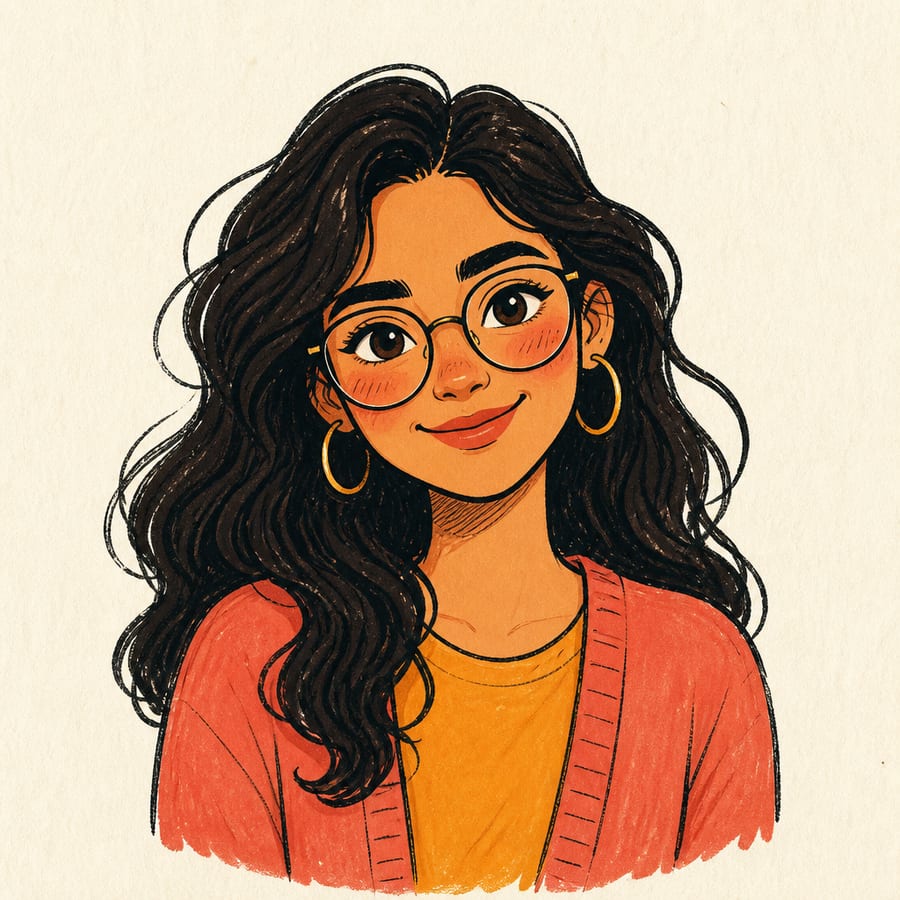
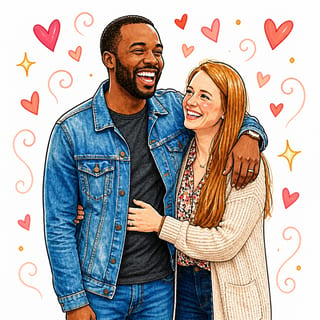
Other skills you can switch to
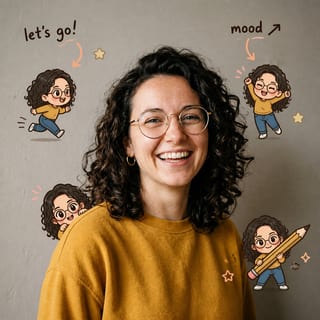
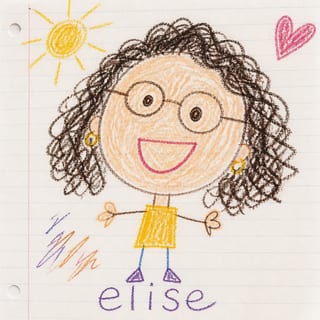
How it works
-
Attach your photo
Drop it in the box above, or use the camera on your phone.
-
Say what you want
One line is enough. The skill is already selected for you.
-
Press send
Doodle Avatar runs and the result opens on its own canvas, ready to download.
Direct answer: To cartoonize a photo at doodleai.art, sign in, attach one clear photo in the box above, and send. The Normal skill redraws it as a square, hand-drawn cartoon doodle with bold outlines and flat color. It is an illustration made from your photo, not a filter laid over it. Each cartoon costs 1 credit and refunds if it fails, and new accounts get free starter credits.
“Cartoonize” gets used for three different jobs, and people are often disappointed because they got the wrong one. This page is for one of them: turning a real photo into a hand-drawn cartoon that still reads as the same person or pet.
Three things “cartoonize” can mean
| What people mean | How it works | Fit here |
|---|---|---|
| A filter on top of the photo | Keeps your pixels and adds an edge or paint effect | No. If you want your photo to stay a photo, use a filter app. |
| A 3D or animated-movie look | Rebuilds the subject as a glossy rendered character | No. This tool does not make 3D renders. |
| A hand-drawn cartoon | Redraws the subject as a simple illustration with outlines and flat color | Yes. This is what the Normal skill does. |
The third one is why a cartoonized result looks different from a filtered photo. Detail is dropped deliberately. Skin texture, background clutter, and fine hair strands become a few confident lines. That is what makes it read as a cartoon instead of an edited picture.
What the cartoon keeps
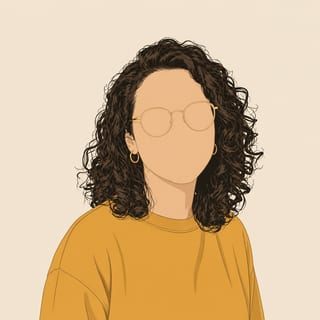
The skill is told to hold on to the things that make a subject recognizable: hairstyle and hair color, face shape, expression, skin tone, glasses, and clothing. Everything else is simplified. The output is one 1:1 image on a clean warm-white background.

Cartoonize an image: what to upload
You can cartoonize an image from your camera roll, a saved picture, or a fresh selfie. What matters is the subject, not where the file came from.
Works well
- One person or pet filling most of the frame.
- The face turned toward the camera, with eyes visible.
- Even light, no heavy shadows across the face.
Gives weaker results
- Group photos where faces are small.
- Screenshots, memes, or pictures with text and stickers already on them.
- Very dark, blurry, or heavily filtered photos.
If your photo has two people, switch to the Couple skill rather than forcing it through the single-subject one.
Prompts to try
The photo carries most of the information, so a short prompt that points at what matters works best. Three starting points:
Cartoonize this photo. Keep my glasses and curly hair. Big friendly smile, plain warm-white background, no text.
Cartoonize this photo with thick bold outlines and only three or four flat colors. Keep it simple and graphic.
Cartoonize my dog. Keep the floppy ears and the white patch on the chest. Happy open-mouth expression.
If a detail comes back wrong, say what to change and send again in the same thread. Naming one or two features beats listing a whole costume.
What this does not do
- No video or animation. You get a still image.
- No prints or shipping. Download the file and print it yourself if you want to.
- No guaranteed likeness. Two runs of the same photo can differ. Judge each result on its own.
- No photo retouching. If you want the photo itself improved, this is the wrong tool.
Related pages
Wording changes the angle, not the tool. Photo to Cartoon walks through the full process in more depth, and AI Cartoon Generator covers what to expect from the category. For social use, see Cartoon Profile Picture. For pets, see Cartoon Pet Portrait. If you would rather keep the hand-drawn marker look than a cartoon label, try Photo to Doodle. The full list is in the skills catalog.
Cartoonize your photo now
Attach one clear photo in the box above, add a short prompt if you want to steer it, and send. You will be asked to sign in with Google first, which also gives you your free starter credits. Only upload photos you have the right to use.
The skill behind this tool
Doodle Avatar
One hand-drawn doodle avatar from your photo
Use when the user wants a single hand-drawn doodle avatar from one photo, or simply says "doodle me" / "make me a doodle" with no other detail. This is the default choice when the request is a plain portrait and nothing else fits.
- Input
- A photo
- Output
- Square image
- Cost
- 1 credit per generation
Questions people ask
How do I cartoonize a photo?
Sign in at doodleai.art, attach one clear photo in the box above, and send. The Normal skill redraws it as a hand-drawn cartoon doodle with bold outlines and flat color. It keeps recognizable features such as hair, glasses, and expression. You can add a short prompt to steer the look.
Is this a cartoon filter?
No. A filter keeps your original pixels and puts an effect over them. This redraws the photo from scratch as an illustration, so details are simplified on purpose. If you want your photo to stay photographic with a light effect, a filter app is the better fit.
Can I cartoonize an image that is not a selfie?
Yes, as long as it has one clear subject, such as a person or a pet. A saved image, an exported portrait, or a camera-roll picture all work. Scenes, screenshots, and images with text baked in tend to give weak results.
Is cartoonizing a photo here free?
Browsing is free. Each cartoon costs 1 credit, new accounts get free starter credits, and a failed generation is refunded. There is no card required to start.
Will the cartoon look like me?
It keeps landmarks like hair, face shape, and accessories, but it does not guarantee an identical likeness on every run. If something drifts, name it in your next prompt, for example “keep the round glasses”, and generate again.
What if my photo has more than one person?
The Normal skill is built for one subject. For two people use the Couple skill, and for a whole family use the Family skill. Both are in the skills catalog and take a single photo.