
Photo to Drawing: Turn a Photo into a Hand-Drawn Sketch
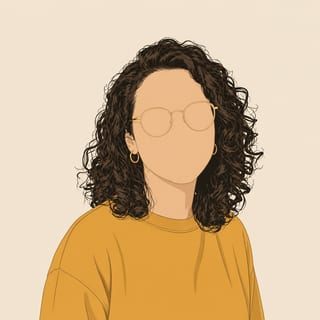
One hand-drawn doodle avatar from your photo
Attach a photo and press send. New accounts get free starter credits — no card.
What it makes
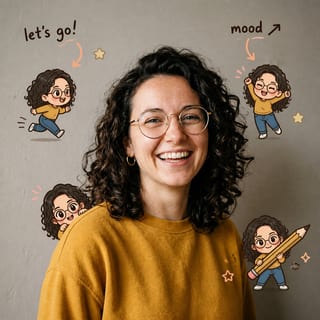
Other skills you can switch to
How it works
-
Attach your photo
Drop it in the box above, or use the camera on your phone.
-
Say what you want
One line is enough. The skill is already selected for you.
-
Press send
Doodle Avatar runs and the result opens on its own canvas, ready to download.
Direct answer: To turn a photo into a drawing at doodleai.art, sign in, attach one clear photo in the box above, and send. The Normal skill redraws it as a square, hand-drawn sketch with inked outlines and flat color. It is a drawing made from your photo, not a photoreal pencil trace laid over it. Each drawing costs 1 credit and refunds if it fails, and new accounts get free starter credits.
“Photo to drawing” and “photo to sketch” sound like the same request, and here they mostly are: you have a picture, and you want it redrawn so it reads as hand-made art instead of a photo. This page is the tool for that. The one thing worth being honest about up front is which kind of drawing you get, because that is where most people pick the wrong tool.
What kind of drawing you actually get
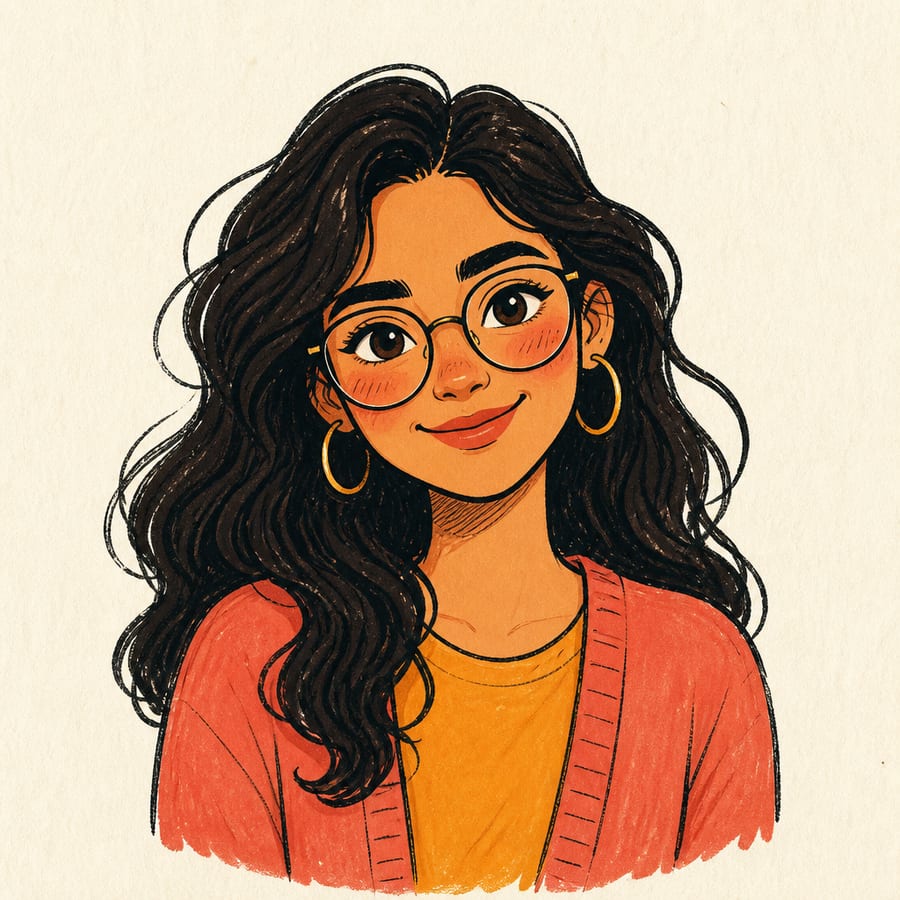
Doodle AI draws in a marker-and-ink doodle style. Think confident outlines, simplified shapes, and flat cheerful color, like something sketched quickly in a notebook. It is genuinely hand-drawn looking, so “drawing” and “sketch” are fair words for it. What it is not is a photoreal pencil portrait with soft graphite shading and fine cross-hatching.
| What people picture | How it works | Fit here |
|---|---|---|
| A photoreal pencil or charcoal portrait | Keeps your photo and traces soft graphite shading over it | No. For a lifelike pencil effect, use a dedicated pencil-sketch app. |
| An anime or manga style from a style catalog | Rebuilds the subject in one of dozens of fixed anime looks | No. This tool has one hand-drawn signature, not a style library. |
| A loose, hand-drawn sketch | Redraws the subject from scratch with inked lines and flat color | Yes. This is what the Normal skill does. |
If you came for the third one, you are in the right place. If you came for the first two, this page says so plainly so you do not waste a credit finding out.

How to make the drawing
- Type a short prompt in the box at the top of this page. It pins the Normal skill and carries your words into the studio.
- Sign in with Google. Browsing is open, but drawing needs an account, which also hands you your free starter credits.
- Attach one clear photo in the composer.
- Send. One credit is reserved, and a square drawing comes back.
- Download it, or ask for a change in the same thread.
The photo carries most of the information, so a short prompt that points at what matters beats a long costume list. Name one or two things to keep and let the drawing handle the rest.
Getting it to read as a sketch
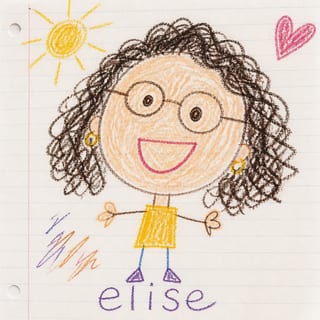
The default look is a filled doodle. To push it toward a line-forward sketch, say so in the prompt. The sketchiest results drop most of the color and lean on ink:
Turn this photo into a drawing. Loose sketchy black-ink outlines, minimal color, keep my glasses and curly hair. Warm-white background, no text.
Sketch of me. Rough hand-drawn lines, simple shapes, barely any color, like a quick notebook doodle. Keep the beard.
Draw my dog as a line sketch. Clean ink outlines, flat background, keep the floppy ears and the white patch on the chest.
Words like “ink”, “line art”, “loose”, and “minimal color” steer it toward the sketch end. Words like “flat cheerful colors” keep it closer to a full doodle. Both are hand-drawn; one just reads more like a pencil-and-ink sketch than the other.
What to upload
What matters is the subject, not where the file came from. A fresh selfie, a saved portrait, or a camera-roll picture all work.
Works well
- One person or pet filling most of the frame.
- The face turned toward the camera, with eyes visible.
- Even light, no heavy shadows across the face.
Gives weaker results
- Group photos where faces are small.
- Screenshots, memes, or pictures with text and stickers already on them.
- Very dark, blurry, or heavily filtered photos.
- Full scenes or landscapes. The Normal skill draws a subject, it is not a scene-to-line-art tracer.
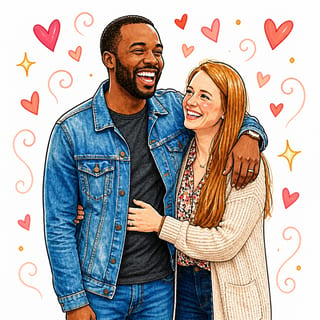
If your photo has two people, switch to the Couple skill instead of forcing it through the single-subject one.
What this does not do
- No photoreal pencil shading. You get bold hand-drawn lines, not soft graphite gradients or realistic cross-hatching.
- No style catalog. There is one doodle signature here, not a menu of anime, comic, or 3D looks.
- No video or animation. You get a still image.
- No prints or shipping. Download the file and print it yourself if you want to.
- No guaranteed likeness. Two runs of the same photo can differ. Judge each drawing on its own.
- No photo retouching. If you want the photo itself cleaned up, this is the wrong tool.
Being clear about this is the point. A lot of “photo to sketch” tools quietly deliver a filter and hope you do not notice. This one redraws your photo as a real hand-made-looking doodle and tells you exactly where that look stops.
Related pages
Same job, different doorway. Photo to Doodle walks through the converter in more depth, and Doodle Sketch focuses on the loosest, roughest version of the look. For a cartoon label rather than a sketch one, see Cartoonize Photo and Photo to Cartoon. Want a printable outline you can color in instead of a filled drawing? Try Photo to Coloring Page. No photo to hand over? Use the Surprise skill. The full list is in the skills catalog.
Questions people ask
How do I turn a photo into a drawing? Sign in at doodleai.art, attach one clear photo in the box above, and send. The Normal skill redraws it as a square hand-drawn sketch. Add a prompt like “loose sketchy lines, minimal color” to steer it.
Is this a real pencil sketch? No. It is a hand-drawn marker-and-ink doodle, not a photoreal graphite trace. For a lifelike pencil effect, use a dedicated pencil-sketch app.
Can I make it look more like a sketch? Yes. Ask for “loose sketchy outlines, black ink, minimal color”. Dropping color and naming “ink” or “line art” reads most like a drawing.
Is it free? Browsing is free. Each drawing is 1 credit, new accounts get free starter credits, and a failed generation refunds. No card to start.
What photo works best? One clear subject facing the camera, even light, eyes visible. Group shots, screenshots, and very dark photos give weak results.
Will it look like me? It keeps landmarks like hair, face shape, and accessories, but does not guarantee an identical likeness each run. If a detail drifts, name it in your next prompt and send again.
Draw your photo now
Attach one clear photo in the box above, add a short prompt if you want a sketchier look, and send. You will be asked to sign in with Google first, which also gives you your free starter credits. Only upload photos you have the right to use.
The skill behind this tool
Doodle Avatar
One hand-drawn doodle avatar from your photo
Use when the user wants a single hand-drawn doodle avatar from one photo, or simply says "doodle me" / "make me a doodle" with no other detail. This is the default choice when the request is a plain portrait and nothing else fits.
- Input
- A photo
- Output
- Square image
- Cost
- 1 credit per generation
Questions people ask
How do I turn a photo into a drawing?
Sign in at doodleai.art, attach one clear photo in the box above, and send. The Normal skill redraws it as a square hand-drawn sketch with inked outlines and flat color. It keeps recognizable features like hair, glasses, and expression. Add a short prompt such as 'loose sketchy lines, minimal color' to steer the look.
Is this a real pencil sketch?
No. It is a hand-drawn marker-and-ink doodle, not a photoreal graphite pencil trace. The lines are bold and simplified, not fine pencil shading or realistic cross-hatching. If you want a photoreal pencil-portrait effect, a dedicated pencil-sketch app is the better fit.
Can I make it look more like a sketch?
Yes. Ask for 'loose sketchy outlines, black ink, minimal color' in your prompt. That pushes the Normal skill toward a rougher, line-forward look. Leaving color out and naming 'ink' or 'line art' reads most like a drawing.
Is turning a photo into a drawing here free?
Browsing is free. Each drawing costs 1 credit, new accounts get free starter credits, and a failed generation is refunded. There is no card required to start.
What photo works best for a drawing?
One clear subject, a person or a pet, facing the camera with even light and eyes visible. Group shots, screenshots, very dark photos, and pictures with text baked in tend to give weak drawings.
Will the drawing look like me?
It keeps landmarks like hair, face shape, and accessories, but it does not guarantee an identical likeness on every run. If a detail drifts, name it in your next prompt, for example 'keep the round glasses', and send again.